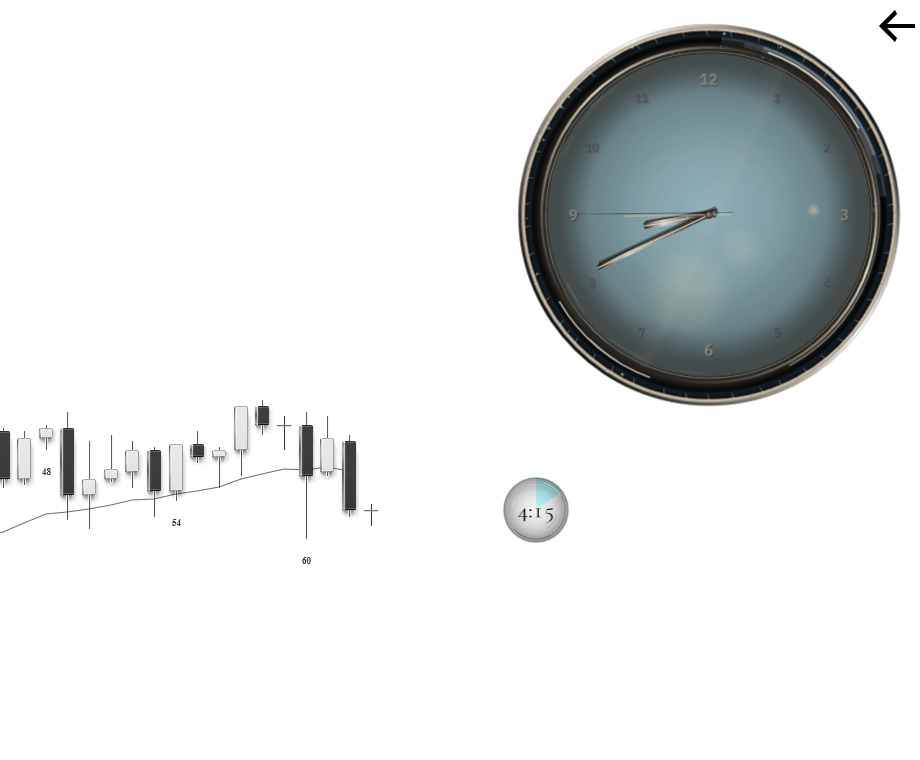
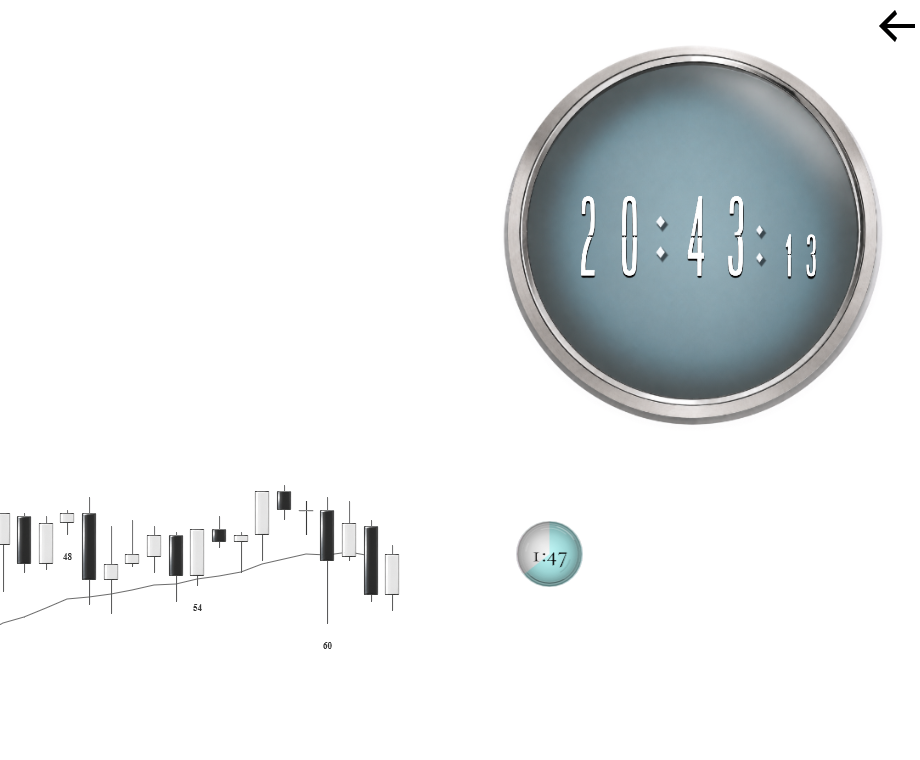
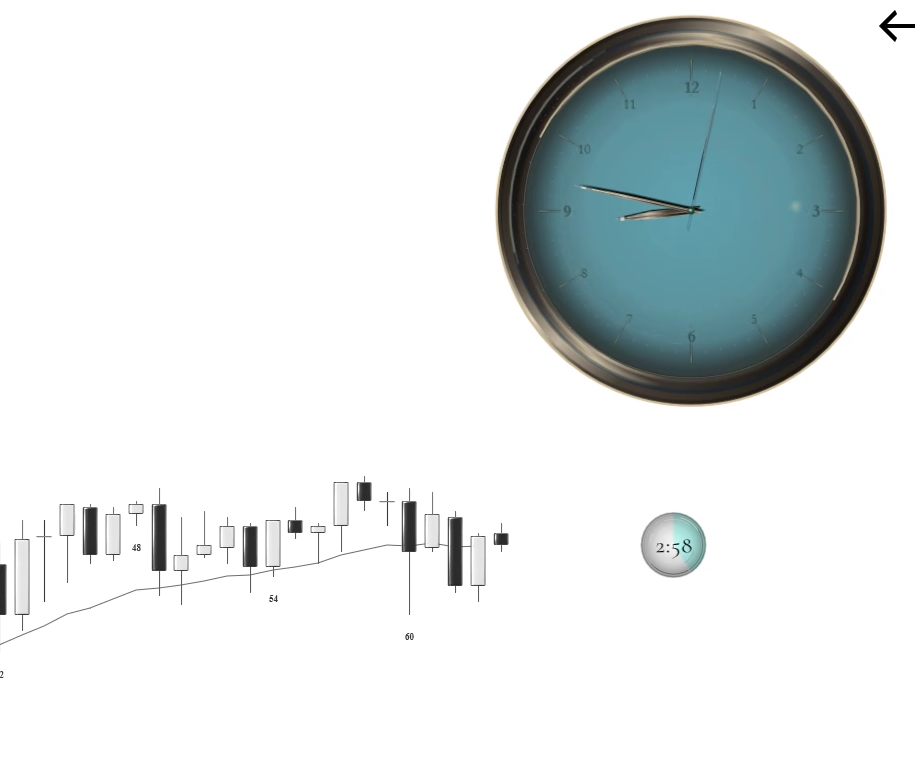
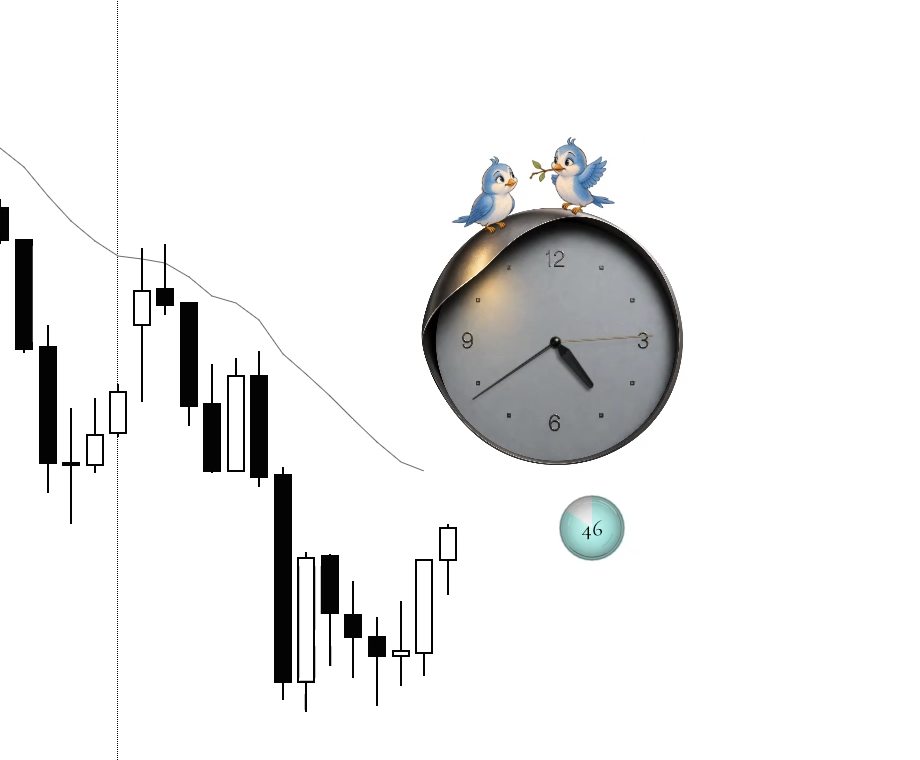
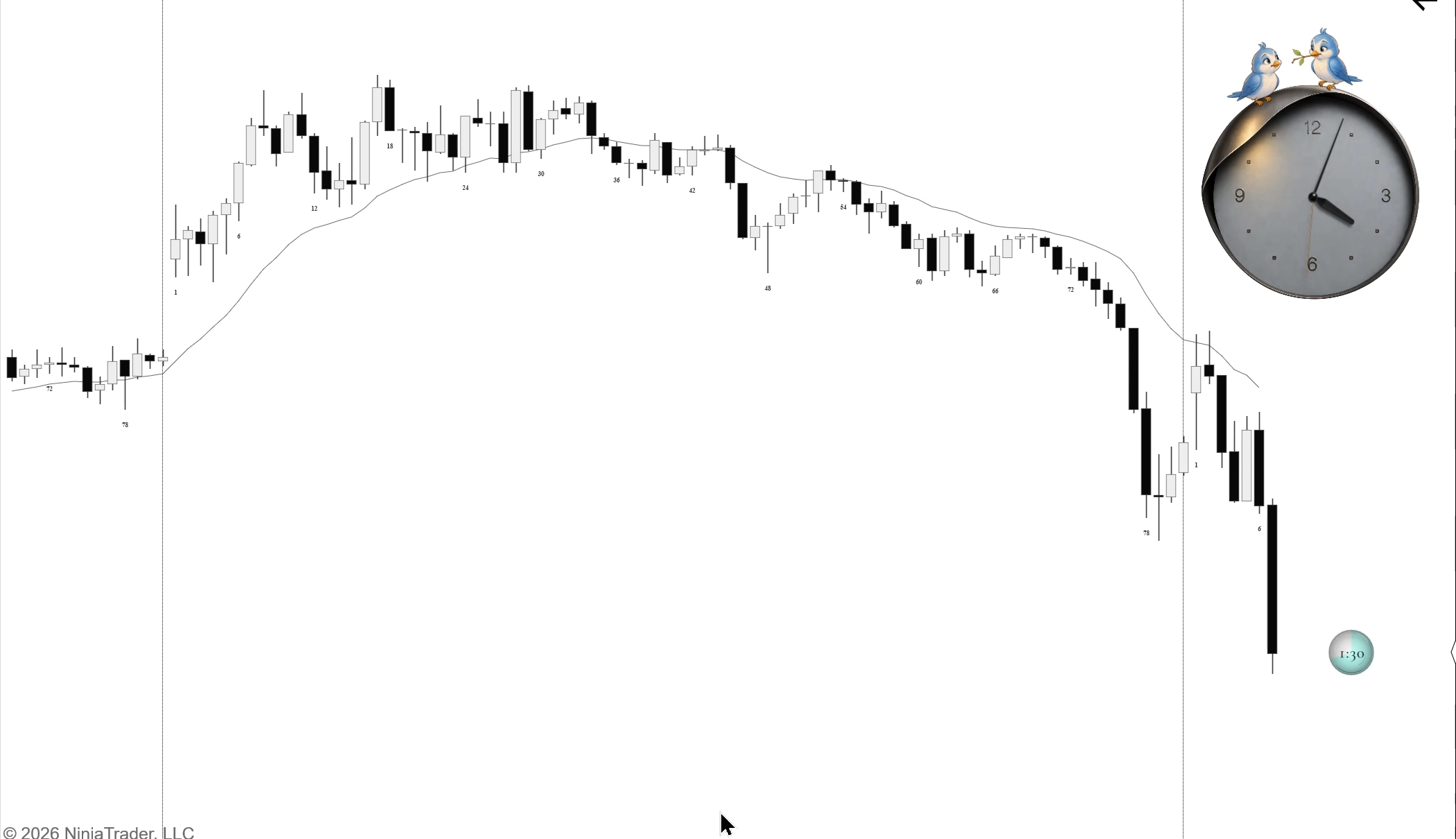
Keep the time in the corner, or bring it closer to the chart. The designer clock and live-bar countdown have separate controls, so you can use the parts that suit your workspace.
- Your clock
Choose Pana, White Digit, Zero Mercy or Two Blue Birds. Drag it into place and choose a size that feels right.
- Your countdown
Use a pie, digits, digits inside the pie or digits beside it. Adjust its size, colour, opacity and distance from the live bar.
- Your placement
Keep the clock fixed to the screen or anchored to the chart. Hide the clock or countdown independently.